Ranking medal
Gold in Best for a specific profile for kids tablets
This product is top 1 in a published dynamic ranking.
Ranking medal
This product is top 1 in a published dynamic ranking.
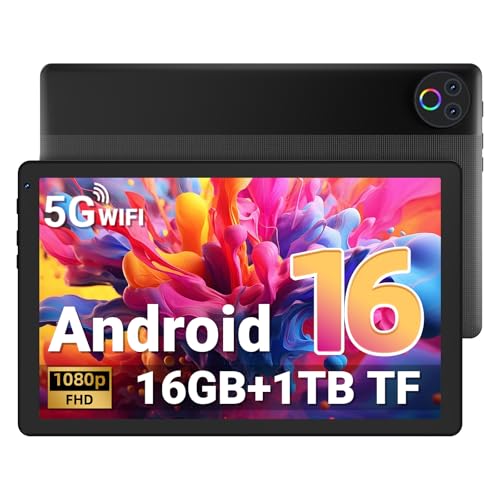
MUISOO’s KB10L makes most sense for a family or casual media buyer who wants a 10-inch Android tablet with the keyboard, mouse, case and stylus-style extras already bundled in. The appeal is obvious enough for home streaming, kids’ apps and light browsing, but the real trade-off is just as clear: this is a value-led setup, not a premium slate, so the 1280 x 800 screen and modest 64 GB base storage set the ceiling for how polished it feels.
If you want a simple household tablet that can double as a small laptop for messages, web use and sofa viewing, this is a sensible route. If you are shopping for a sharper display, a more clearly work-first tablet, or a device with more breathing room before storage pressure kicks in, there are cleaner alternatives. The attraction here is the bundle and the price-to-usefulness balance, not high-end tablet refinement.
| Screen size | 10 Inches |
|---|---|
| Resolution | 1280 x 800 pixels |
| RAM | 24 GB |
| Storage | 64 GB |
| Operating system | Android 16 |
| Rear camera | 8 MP |
The keyboard, mouse, case and stylus support turn this into more than a bare tablet, and that matters if the device will live on a family table rather than in one person’s bag.
It is easier to place in a homework or streaming routine because the accessories are already part of the purchase, but the payoff is practical rather than premium.
The 10-inch screen gives enough room for video, browsing and kid-friendly apps without feeling oversized in the hand.
The 1280 x 800 resolution keeps costs down, yet it also means text and fine detail are not the sharpest in this class, so this is better for relaxed use than for long reading sessions at close range.
64 GB of built-in storage is the main limit on day one, especially if the tablet is shared or used for offline media.
The 1 TB microSD expansion support is the pressure release valve, which makes the device far easier to live with if downloads and family content will keep growing.
On a sofa or kitchen table, the KB10L is aimed at the kind of use where a tablet earns its keep by being easy to grab, easy to share and easy to put down again. The 10-inch format keeps it large enough for reading, streaming and browsing without turning it into a full desktop substitute, and the 1280 x 800 panel gives roughly 149 ppi, which is fine for casual video and family use but not the sharpest route for close-up text work. That makes it a comfortable everyday screen rather than a standout one.
For school apps, note-taking and light multitasking, the stronger part of the story is the 24 GB RAM claim paired with Android 16 and the bundled keyboard and mouse. That combination gives the tablet a more practical feel than a bare media slate, especially when several apps are open and a child or adult is moving between video, browser tabs and simple documents. The trade-off is that 64 GB of built-in storage is only a modest starting point, so the 1 TB expansion support matters if you expect downloads, offline video and a growing app library to pile up quickly.
The family-use angle is reinforced by the case, the parental-control style positioning in the buyer comments and the fact that the tablet is being used as a shared device rather than a personal premium machine. That is where the KB10L looks strongest: it is set up to survive casual household routines, keep setup simple and make the first hour feel straightforward. What it does not do is remove every compromise. The screen resolution, the entry-level storage and the mixed identity of tablet-plus-accessories mean it suits buyers who value convenience and bundle value more than display finesse or a clearly defined productivity machine.
Community
The recurring pattern is simple enough to trust for buying: people value the bundle, the easy setup and the child-friendly use case, while the screen and performance are judged by whether they stay smooth for everyday streaming and apps. The practical lesson is that this tablet wins on convenience and shared use, not on being the most refined display-first option.
| Attribute | MUISOO KB10L Current | Gleeso KB1004 | Ainmel KB08BU | Ainmel KB08GN |
|---|---|---|---|---|
| Screen size | 10 Inches | 10 inches | 7 Inches | 7 Inches |
| Resolution | 1280 x 800 pixels | 1280 x 800 Pixels | 1024 x 600 | 1024 x 600 |
| RAM | 24 GB | 16 GB | 20 GB | 20 GB |
| Storage | 64 GB | 1 TB | 64 GB | 1 TB |
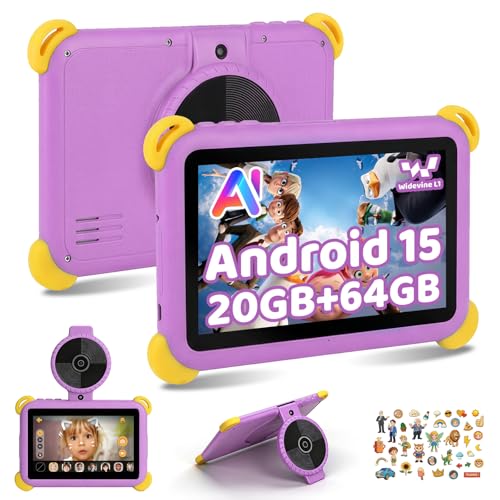
| Operating system | Android 16 | Android 16 OS | Android 15 | Android 15 |
| Editorial score | 5.8/10 | 6.0/10 | 5.9/10 | 6.1/10 |
Against the JVVQTB S3, the MUISOO is the more family-bundle-led choice because the accessories and kids-friendly positioning do more of the work in daily use. The S3’s 10.1-inch, 1280 x 800, 2.0 GHz octa-core route looks more like a straightforward tablet spec play, so it makes more sense for buyers who want a simpler slate and do not care about the bundled desktop-style extras.
Compared with the Raemond K30 and Whitedeer X108, the MUISOO sits in the same broad value-tablet lane but leans harder into shared household convenience. Both alternatives are also 10.1-inch, 1280 x 800 class tablets with boosted RAM claims and 2.0 GHz-class processors, so the deciding factor becomes route fit: choose MUISOO if the keyboard, mouse and case matter to the family routine, or pick the others if you want a more generic tablet shape without the accessory bundle shaping the purchase.
Compare with
Add a second model to activate the direct comparison.
No products match that filter combination.
MUISOO’s KB10L is easiest to recommend to buyers who want one affordable tablet package that covers kids’ apps, streaming, browsing and light typing without extra shopping around. The bundle, Android 16, 24 GB RAM claim and expandable storage make it a practical household device, and that is where the value lands best. Check the current offer if that shared-use route is what you need. Skip it if your priority is a sharper display, a more clearly productivity-first tablet or a more premium-feeling screen for long reading sessions. The 1280 x 800 panel and 64 GB base storage are the main limits, and they matter most for buyers who want the tablet to feel closer to a main personal device than a convenient family one.
It is better suited to family and shared home use, with streaming and casual browsing as the main media jobs.
Yes, because it makes the tablet easier to use for simple typing and school-style tasks, but it still does not replace a full laptop.
Review published on