
Refresh rate
165 Hz
Refresh rate
Is the Alienware 15 a gaming laptop you can also carry through a normal workday, or a desk-based machine that happens to have a screen attached? Its RTX 5060 graphics, 165 Hz display and Core 7 processor make it a credible gaming and creative-work route; the catch is a 512 GB SSD, which can fill quickly if a large game library shares space with photo projects.
Buy it for Windows gaming, high-refresh play and GPU-heavy creative tasks, with the flexibility of Ethernet and a useful range of built-in ports. Skip it if long unplugged days, quiet high-performance gaming or generous out-of-the-box storage matter more: this is a performance-first 15.3-inch laptop, not a light-travel specialist.
| Screen size | 15.3 inches |
|---|---|
| Resolution | 1920 x 1200 |
| Processor | Intel Core 7 processor (Series 2) 240H |
| RAM | 16 GB DDR5 |
| Storage | 512 GB M.2 PCIe NVMe Gen 4 SSD |
| Refresh rate | 165 Hz |
The 15.3-inch WUXGA panel runs at 165 Hz, giving fast-moving games a smoother display target than a standard-refresh screen.
Its 16:10 shape also gives documents and creative tools a little more vertical room, while the 62.5% sRGB coverage is a limitation for colour-critical work.
The dedicated RTX 5060 has 8 GB of GDDR7 memory, giving the laptop a clear graphics-led role for gaming and GPU-assisted creative work.
It is a stronger fit for that mix than for buyers whose main priority is quiet, unplugged office use.
The 16 GB memory configuration is one 16 GB DDR5 module, and the memory can be upgraded to 32 GB.
The 512 GB Gen 4 SSD is also user-replaceable, with support for up to 1 TB; that flexibility helps, but adding capacity is a separate cost and task.
At a gaming desk, the 165 Hz WUXGA screen and RTX 5060 set the tone: motion-focused play is the priority, while the 16:10, 1920 x 1200 format also leaves room for menus and everyday windows. That resolution works out at about 148 pixels per inch across the 15.3-inch panel, a useful balance of workspace and sharpness. The display is listed at 62.5% sRGB, though, so colour-critical editing is a weaker fit than gaming or general creation.
Starting a work session with browser tabs, documents and Lightroom Classic open, the Core 7 and 16 GB of DDR5 provide a capable base, and the 512 GB SSD keeps storage responsive. A buyer using it for photo editing may appreciate the RTX 5060: one owner reports strong results with Lightroom Classic denoise. The practical pinch is capacity, not the headline graphics tier; a sizeable game collection and active creative files will compete for the same 512 GB.
When a demanding game pushes the fans into high-performance mode, noise becomes part of the room rather than a detail to ignore. One owner specifically reports loud fans in that mode, while another describes the battery as short-lived. Alienware’s cooling design uses dual fans and three copper heat pipes, but that does not make this a quiet, all-day unplugged machine. It suits a desk near a power socket better than a shared quiet space or a long day away from charging.
At setup, the port selection can reduce the need to build a desk around adapters: there are two USB-A ports, two USB-C ports, HDMI 2.1, Ethernet, a headset jack and a DC-in connection. One USB-C port supports Power Delivery and DisplayPort 1.4a, and USB-C charging is supported up to 100 W. That is useful flexibility for peripherals and a display, but the supplied power connection remains the straightforward choice for gaming; the laptop’s maximum gaming power claims apply in specified performance modes.
Community
The clearest practical lesson is that performance and build can win people over, while fan noise and battery life can disappoint when the laptop is pushed hard or used away from a socket. Treat it as a plugged-in gaming machine first, rather than an all-day portable.
I bought the 1 TB RTX 5060 version for Lightroom Classic rather than gaming, and it has been fantastic for photo editing and denoise.
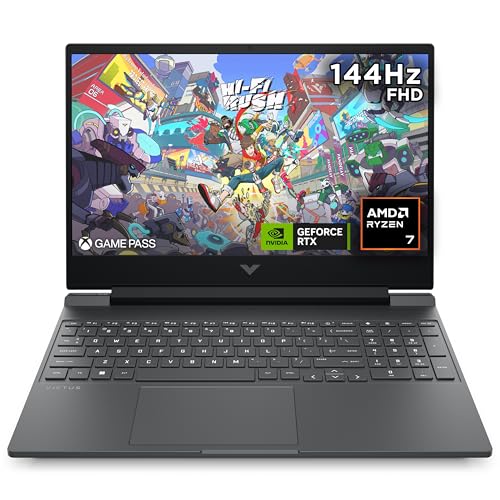
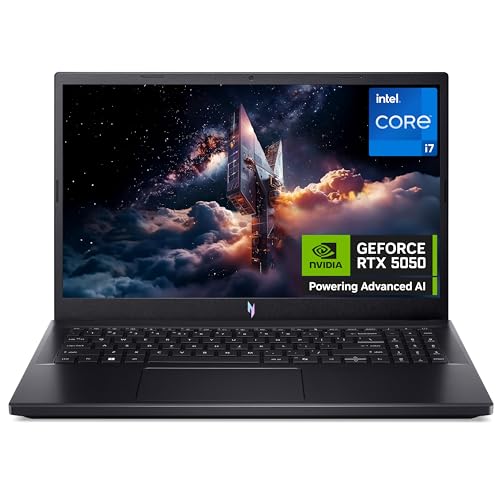
| Attribute | Alienware 15 Current | ASUS V16 V3607VM Gaming | HP Victus 15.6" Gaming | Acer Nitro V15 ANV15-52 |
|---|---|---|---|---|
| Price | £1,449.99 | Out of stock | Out of stock | £826.00 |
| Screen size | 15.3 inches | 16 Inches | 15.6 Inches | 15.6 inches |
| Resolution | 1920 x 1200 | 1920 x 1200 pixels | 1920 x 1080 pixels | 1920 x 1080 pixels |
| Refresh rate | 165 Hz | - | - | 165Hz |
| Processor | Intel Core 7 processor (Series 2) 240H | Intel Core 7 Processor 240H 2.5 GHz, up to 5.2 GHz, 10 cores, 16 Threads | AMD Ryzen 7 7445H | Intel Core i7-13620H |
| RAM | 16 GB DDR5 | 16 GB DDR5 | 16 GB | 16 GB |
| Storage | 512 GB M.2 PCIe NVMe Gen 4 SSD | 1 TB M.2 NVMe PCIe 4.0 SSD | 512 GB | 512 GB SSD |
| Editorial score | 7.6/10 | 7.1/10 | 7.7/10 | 8.1/10 |
Against the Samsung Galaxy Book3 360, the Alienware is the gaming and graphics route: its RTX 5060 and 165 Hz screen are built around play and GPU-heavy tasks, while the Samsung’s 13.3-inch Full HD touchscreen, Core i7 and 16 GB RAM suit buyers who value a smaller convertible format and S Pen use. Choose the Samsung for touch-led mobility; choose the Alienware when gaming graphics matter more than compactness.
The Acer Nitro V15 ANV15-52 is the closer gaming alternative, with a 15.6-inch Full HD screen, Core i7-13620H and 16 GB RAM. The Alienware’s confirmed distinction is its 1920 x 1200, 165 Hz display and RTX 5060 configuration; it makes more sense for buyers prioritising that screen and GPU combination, while the Acer is worth considering if its particular configuration better suits the intended budget or workload.
Compare with
Add a second model to activate the direct comparison.



No products match that filter combination.
The Alienware 15 makes most sense as a plugged-in gaming laptop that can also handle creative work: the RTX 5060, 165 Hz WUXGA screen, broad port selection and upgradeable memory give it a defined performance-first role. Check the current offer against the cost of the storage you will actually need. Skip it if your priority is quiet gaming, long battery life or colour-critical editing. The fan noise, short-battery-life reports, 512 GB starting SSD and 62.5% sRGB coverage are meaningful compromises; buyers who need a lighter daily-carry machine or a colour-focused screen should take a different route.
It is equipped for gaming, but reports of short battery life and loud fans under high performance make plugged-in use the better fit.
Yes. The memory is user-replaceable up to 32 GB and the SSD up to 1 TB, so expansion is possible but requires a separate upgrade.
Review published on
